
AI Headshot Generator: Business Photos From One Selfie
Turn a clear selfie into a business-style portrait for LinkedIn, applications and your website. Choose the look, then generate. You do not need a photoshoot.
Create in a Few Simple Steps
Upload a Clear Selfie
Start with one sharp, well-lit photo of your face. Head and shoulders in frame work best.
Choose Your Style
Pick a setting such as a clean studio, an office or a neutral background, and select the outfit style.
Generate
Start the generation. Each image costs credits, and the price is shown before you start.
Check & Download
Look closely at eyes, skin texture and edges. Download the image you like, or generate again with a different style.
One Person, Four Professional Settings
Every image here was generated with RYLA. One character, four different scenes, nothing retouched in between.
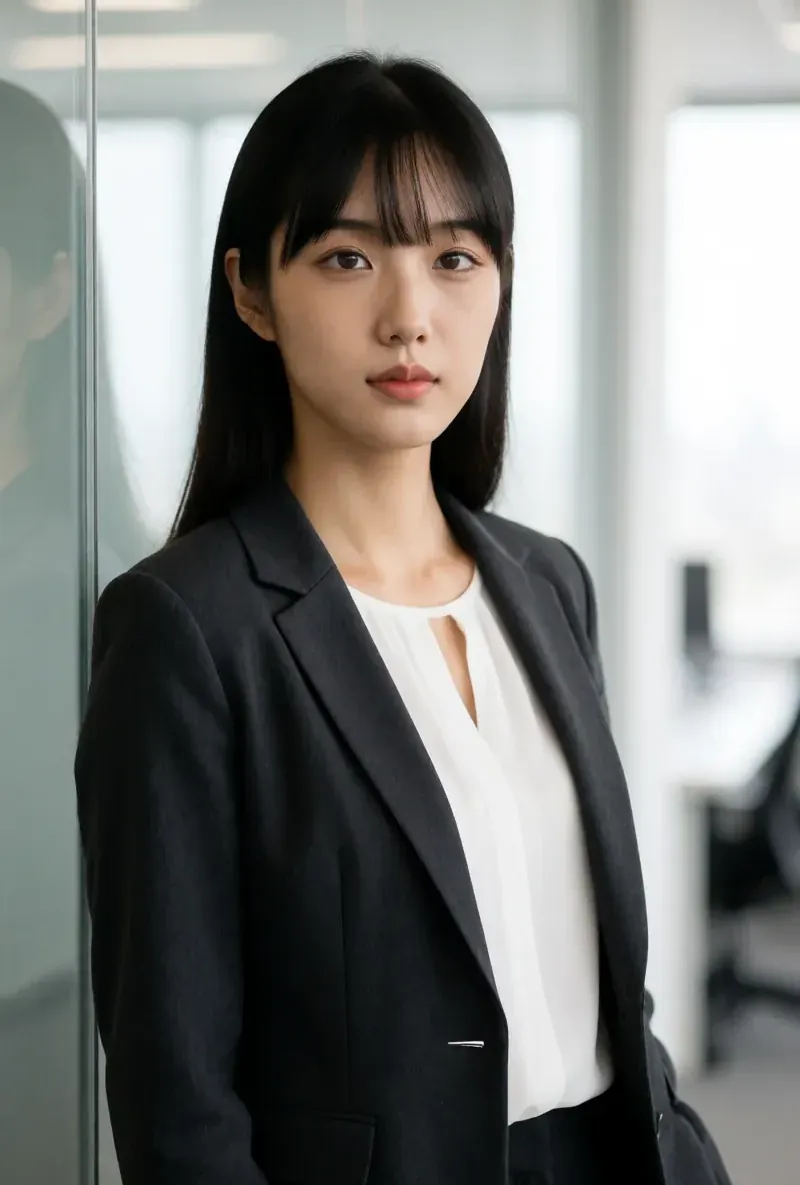
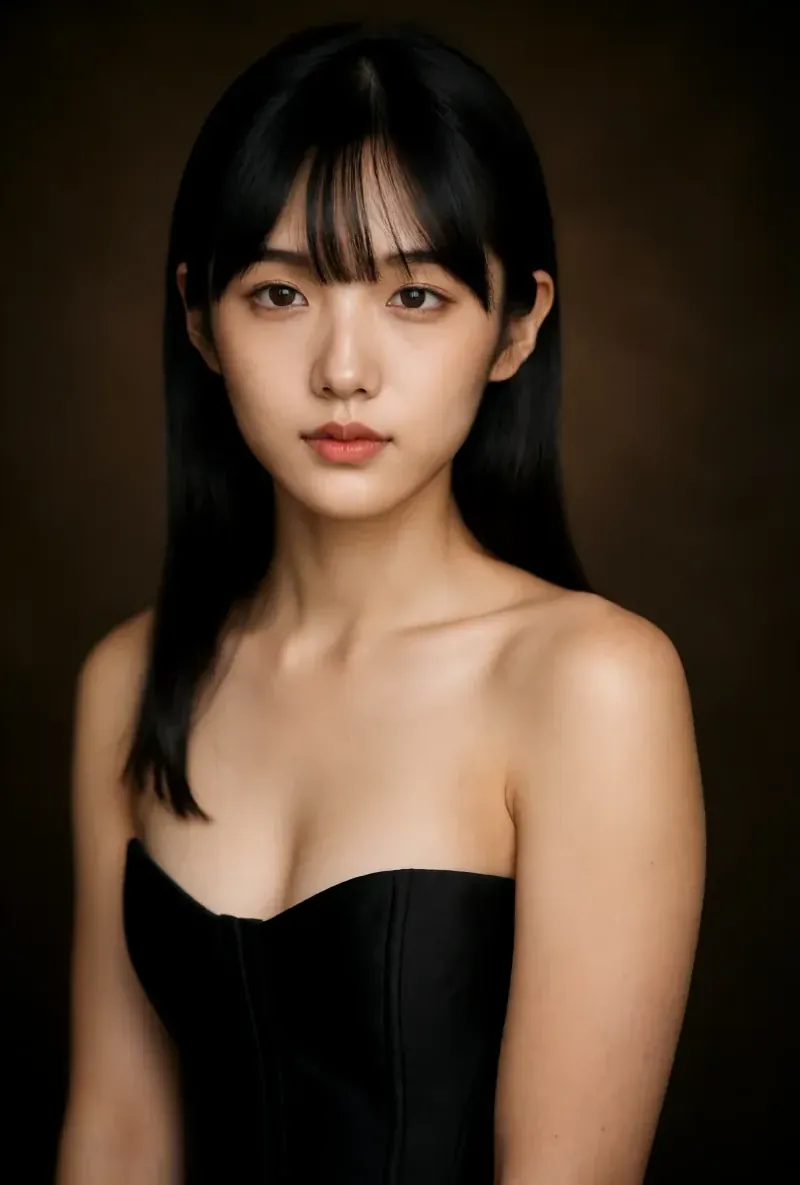

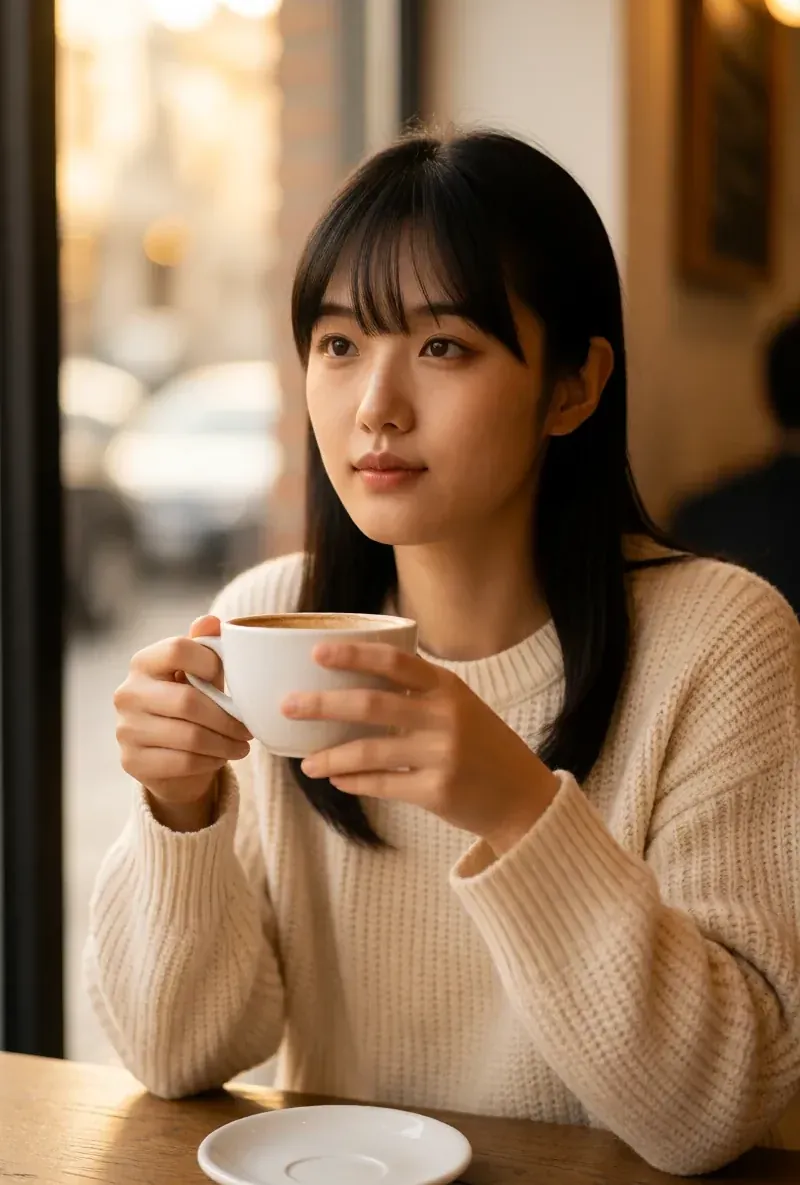
Built for Consistent, Studio-Quality Results
A Selfie as the Starting Point
One clear photo is enough. The result is an AI image based on your face, not a photo from a studio session.
Look and Setting You Choose
Office, neutral or modern backgrounds and studio-style lighting are selected before you generate.
Transparent Costs
An HD image costs 180 credits and a 4K image costs 360 credits, which is available on Pro. The starter credits cover about two HD images.
Works for Everyone
LinkedIn & Job Search
Create a professional profile picture without booking a studio. Many recruiters look at the photo first, so check that it matches your real appearance.
Applications
Prepare a portrait for a CV or an online application. Some employers still expect a real photo, so check what they ask for.
Team & Company Pages
Create consistent portraits for team pages. Each person should use a photo of themselves, and AI images must not stand in for real staff.