RYLA Video Face Swap
Found a viral video?Put your creator in it.
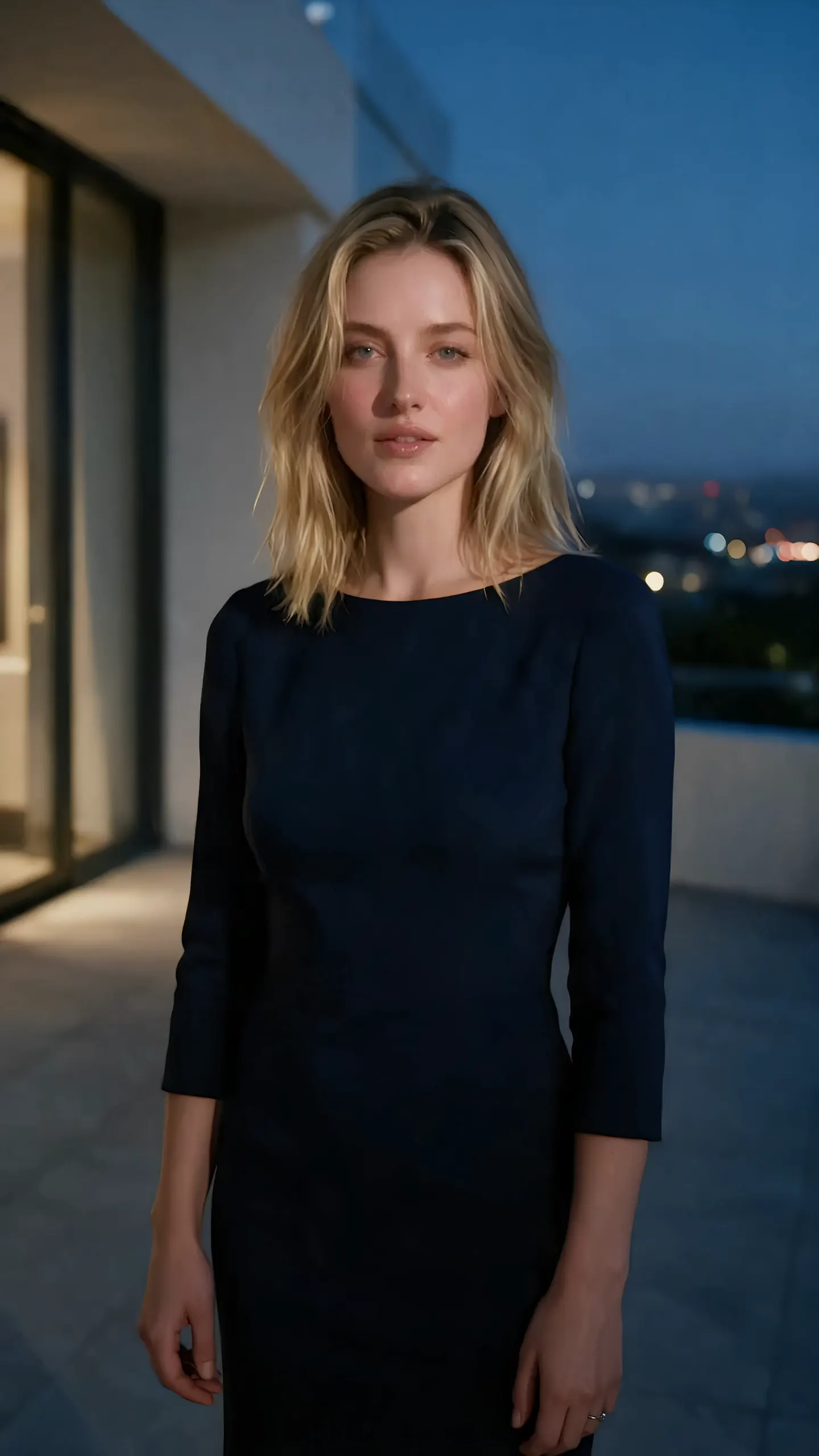
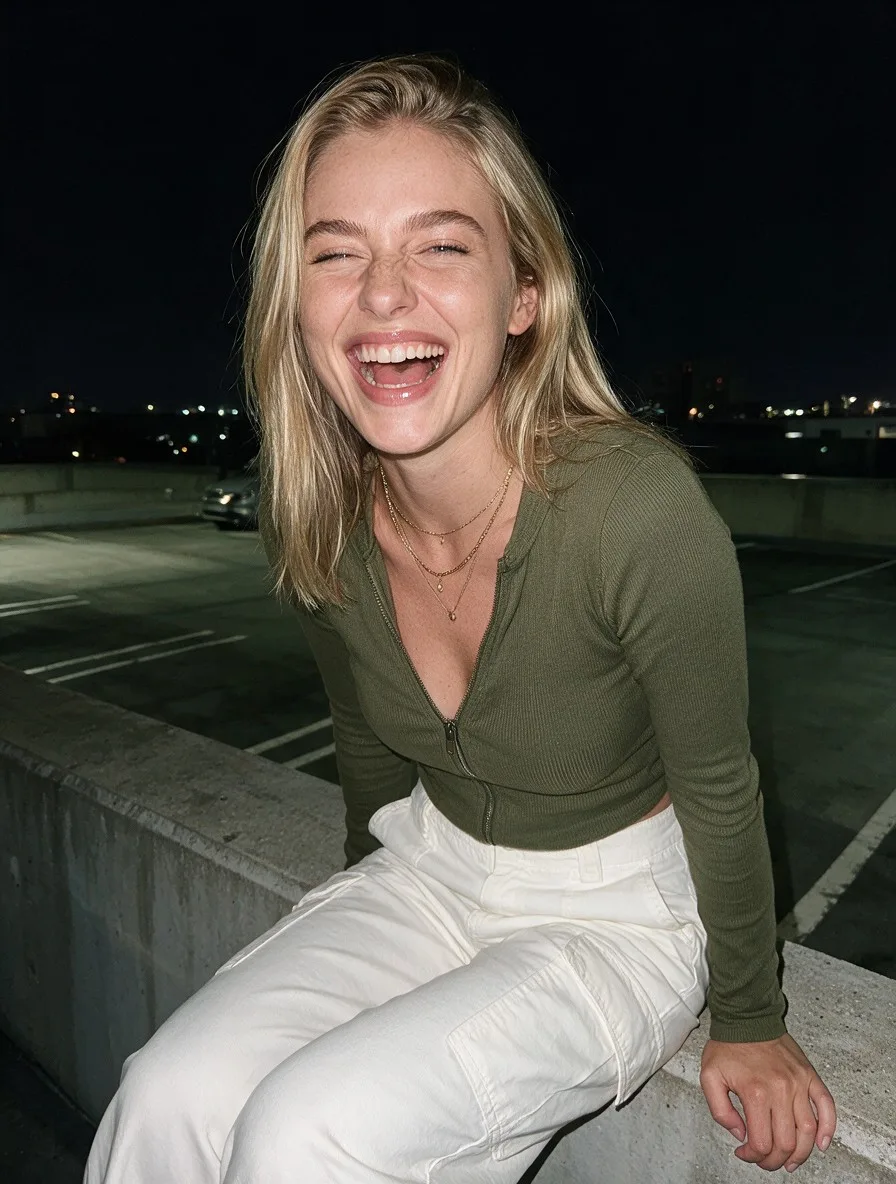
Drop in any trending clip you found online. RYLA swaps your creator's face in with the same motion, ready to post in minutes.
Generation uses credits. Photo and video access depends on your plan.
AI-generated creative direction
Feature illustration
From idea to finished content
Put your character into the scene.
- 01
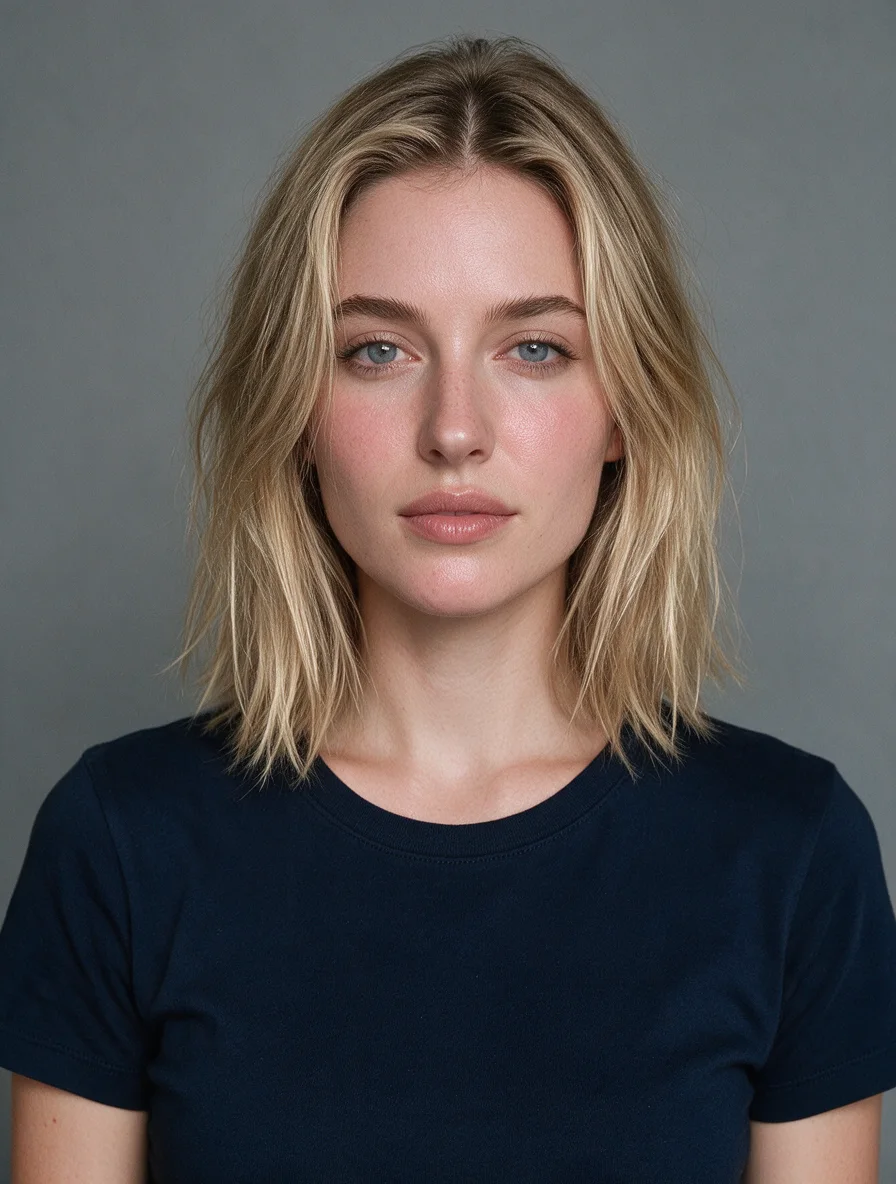
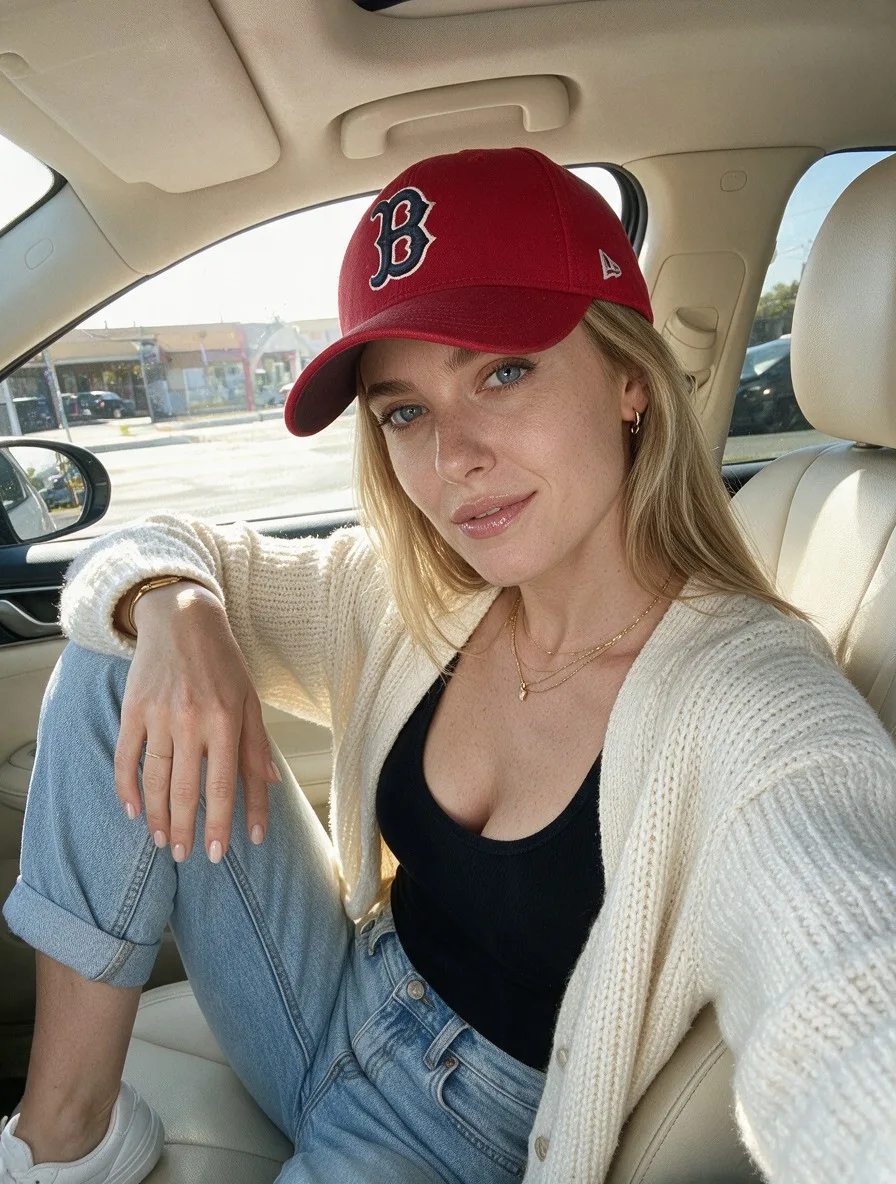
Choose your character
Select the face you want to use in your video.
- 02
Add your source clip
Use a video you have permission to edit.
- 03
Review the result
Check the face and movement before sharing your video.
HOW IT WORKS
Face Swap a Video in 3 Steps
Upload a Source Clip
Bring any video you want to restyle, from a dance clip to a talking head.
Pick Your Creator
Choose the AI influencer whose face should appear in the video.
Swap and Export
Get a face swapped video with consistent identity across every frame.
BEFORE AND AFTER
Source to Swapped
Source
Swapped
Source
Swapped
Source
Swapped
Source
Swapped
Source
Swapped
FAQ
Video Face Swap Questions
It places your AI creator face onto a source video, keeping their identity consistent across every frame so the result looks natural in motion.
Yes. The swap is identity aware, so your creator looks like the same person from the first frame to the last, even as the head turns or moves.
Clear, well lit clips where the face is visible work best. Dance, talking head, lifestyle, and B-roll source videos all swap cleanly.
No. Upload a clip, pick your creator, and the swap runs in one click. The result exports ready to post, no timeline or compositing needed.