Use cases
AI Influencer Use Cases: Pick the Tool for Your Goal
RYLA builds one AI character and keeps its face recognizable across new outfits, places, poses and short videos. Every use case below has its own page. Start with what you want to make, open the page that fits, and see exactly what the tool does and what it does not do.
All characters are fictional adults. Photos you upload must be your own or used with consent. Everything runs on credits, and the free plan includes 500 of them.
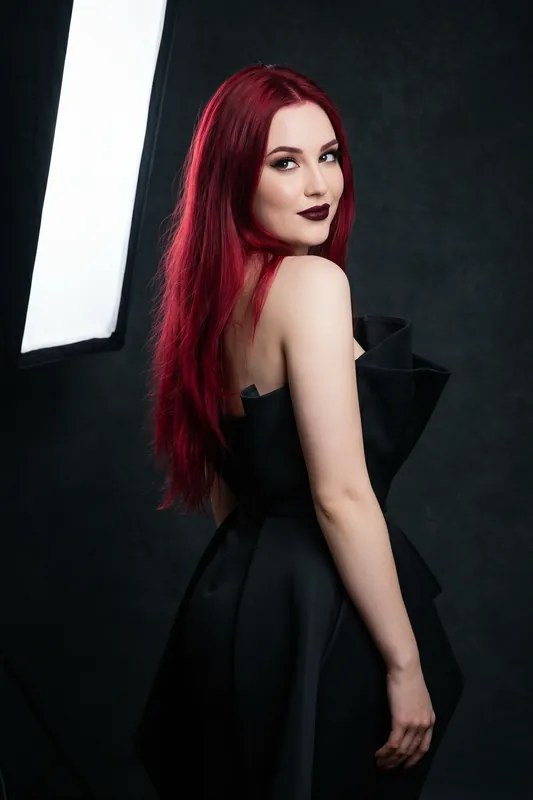
Photo looks
Change what your character wears, where they stand and how they pose. Each tool generates a new image of the same character, which makes these the fastest way to fill a feed with variety.
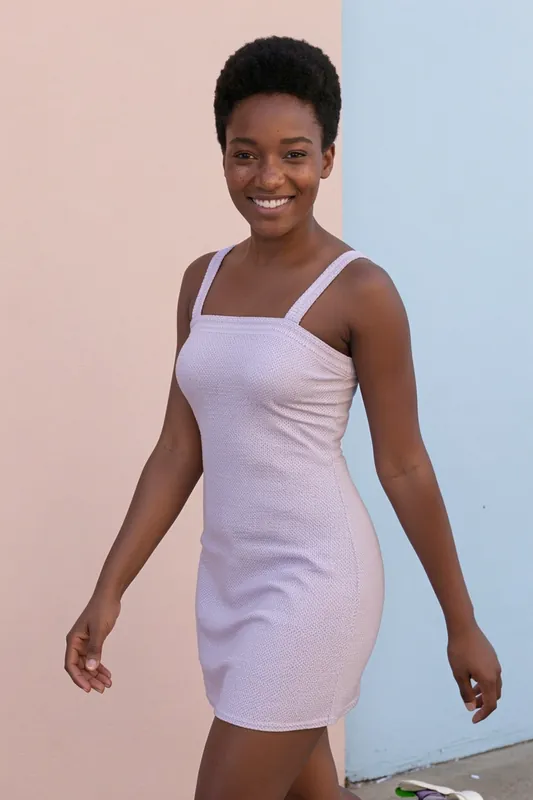
AI outfit changer
Put your character in a new look and keep the face.
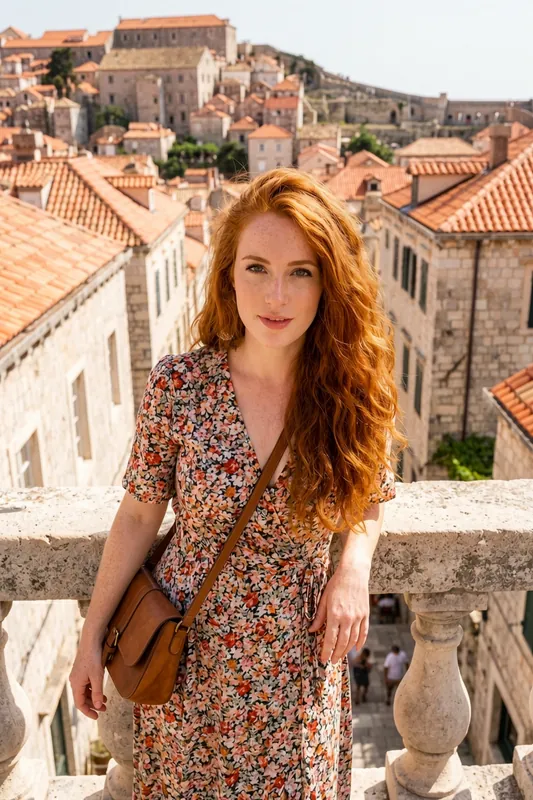
AI background changer
Send the same character to a rooftop, a cafe or a beach.
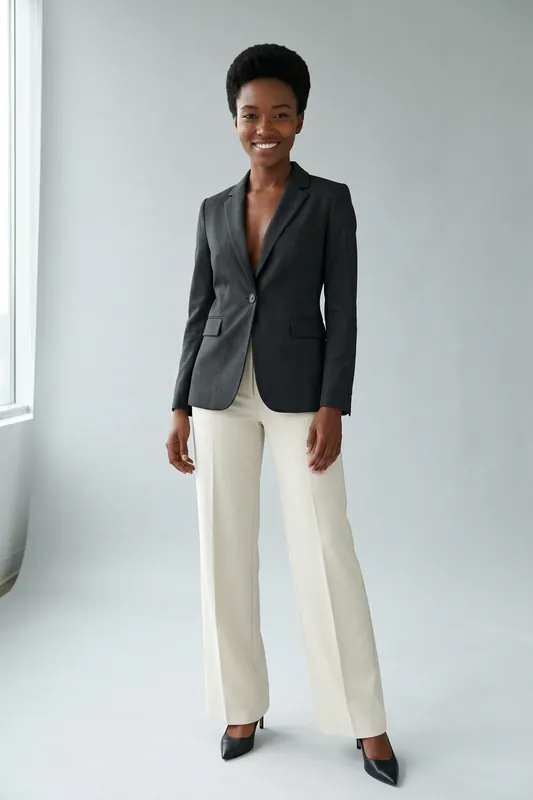
AI pose generator
Standing, seated, leaning or walking, one character.
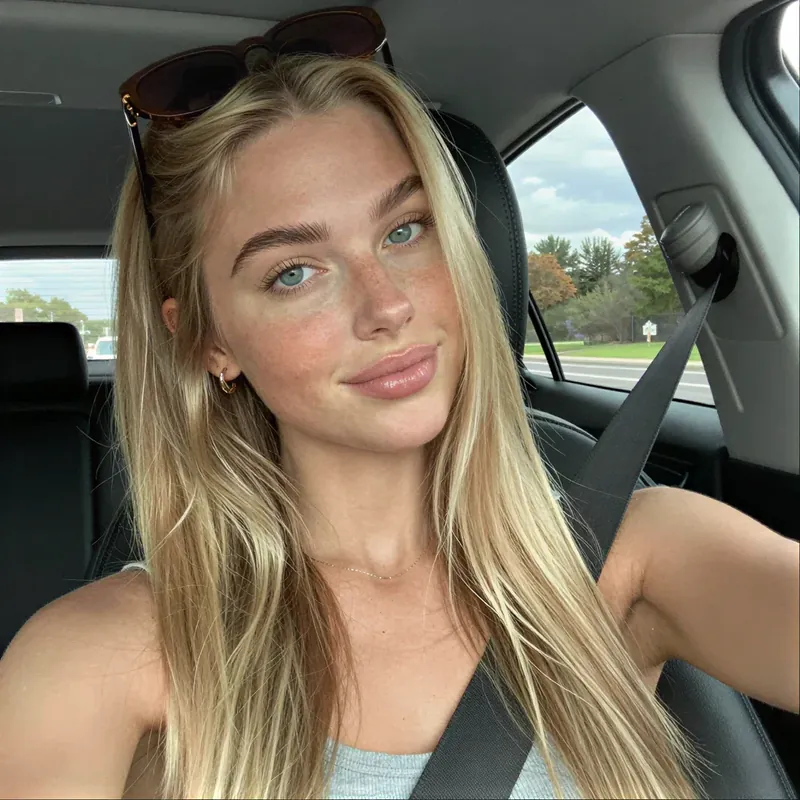
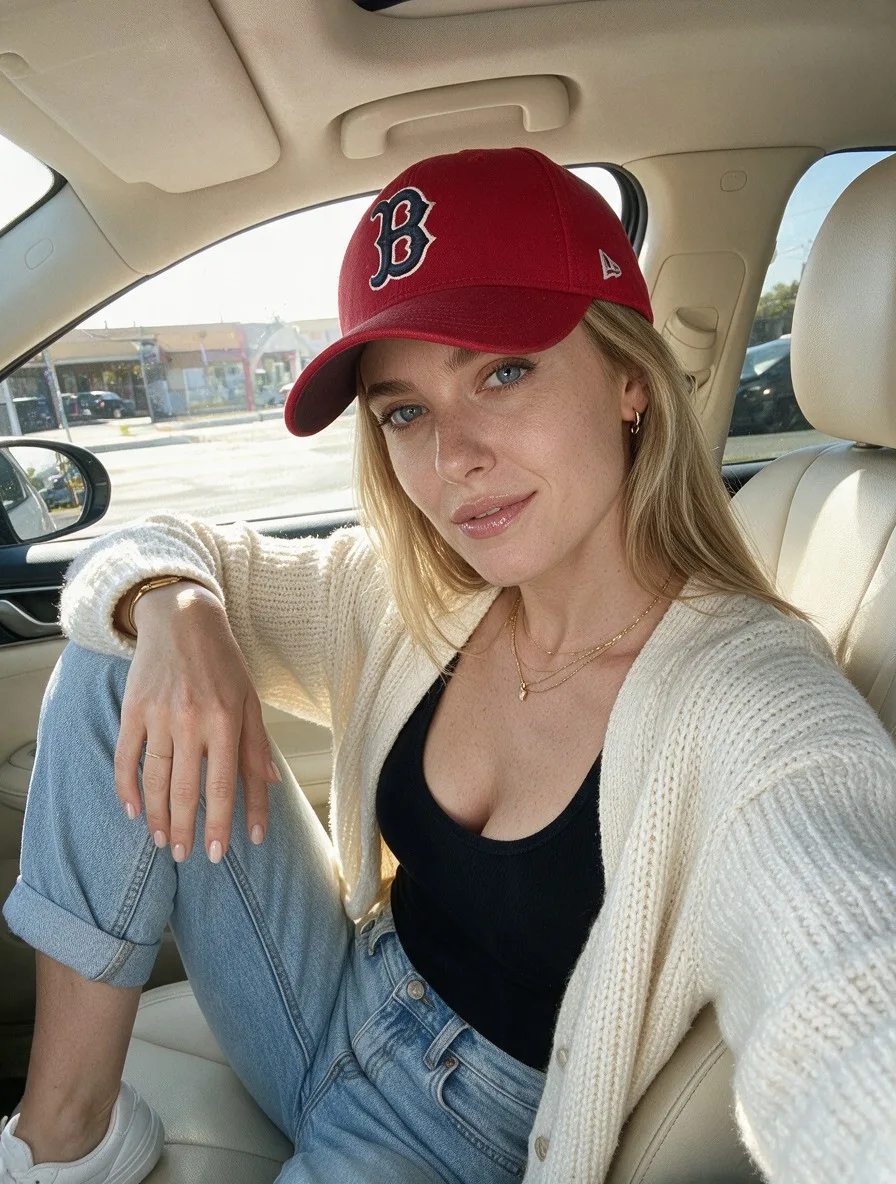
AI selfie generator
Natural phone-style selfies in the light you choose.
Identity and avatars
Start here when the character itself is the question: where the face comes from, how it stays recognizable, and how it becomes a profile picture or an avatar.
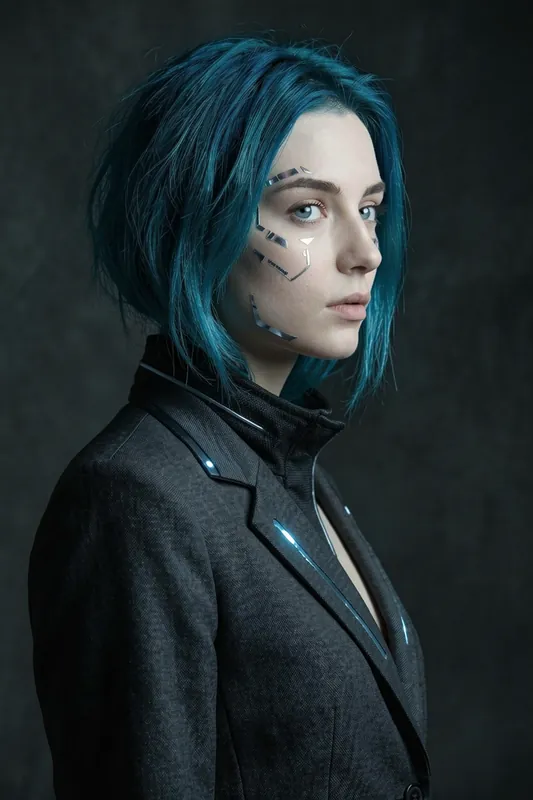
AI avatar generator
A photoreal avatar from reference photos or a description.
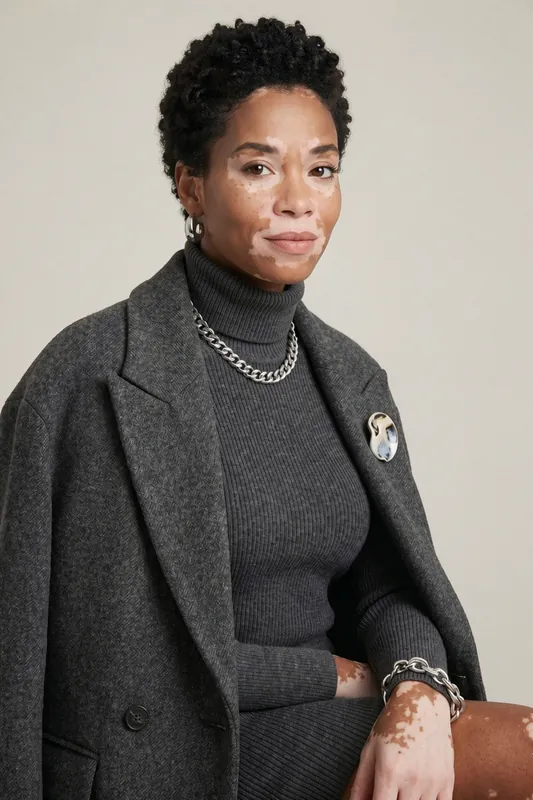
AI profile picture generator
Square profile pictures with the same face on every platform.
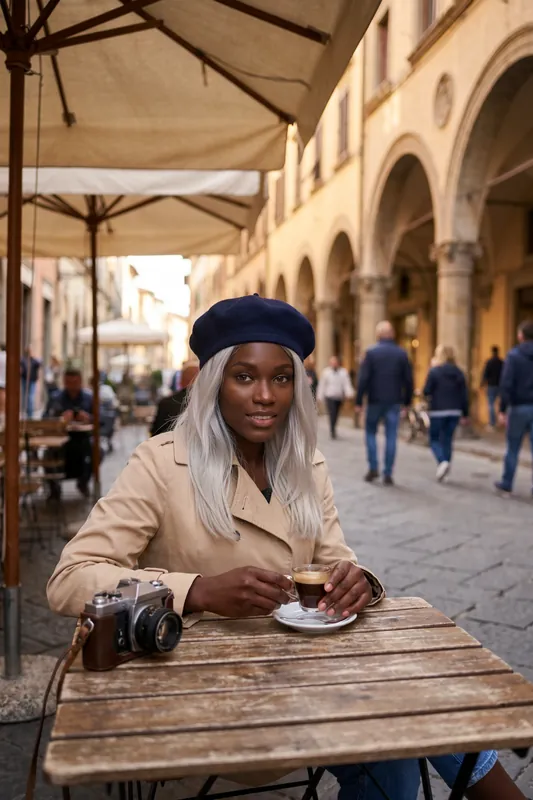
AI character from photo
Turn a few clear reference photos into one reusable character.
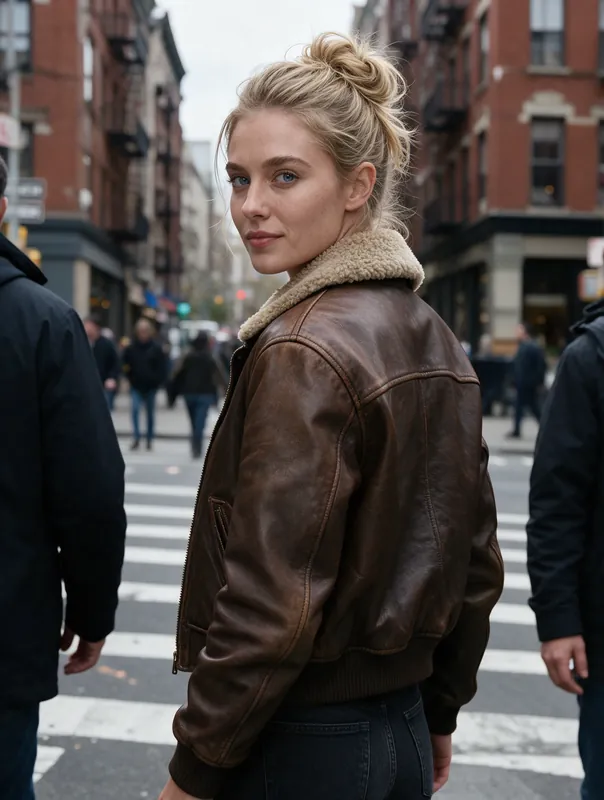
Consistent AI character
See a real series and judge the face match yourself.
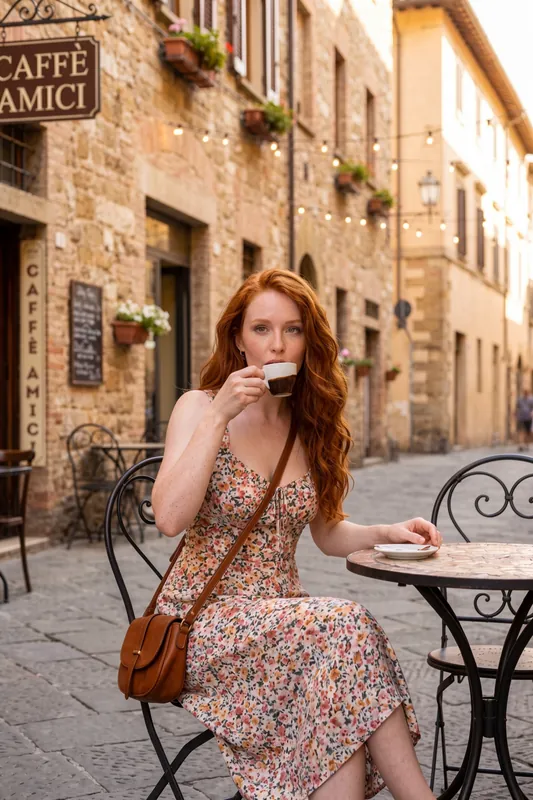
AI clone yourself
An AI character that resembles you, built from your own photos.
Video
Turn a finished image into a short clip: a character that speaks, a vertical clip for social media, or a UGC-style video. Video is credit-based and starts at the Basic plan; lip sync is part of Pro.

AI talking photo
Add an audio track and let a still image speak.
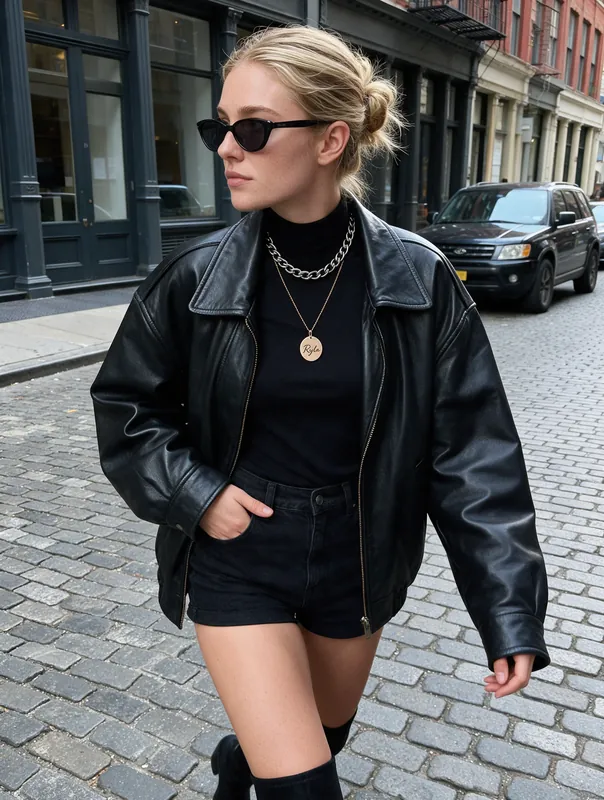
AI TikTok video generator
Short vertical clips in 9:16, ready to download and post.
AI UGC video generator
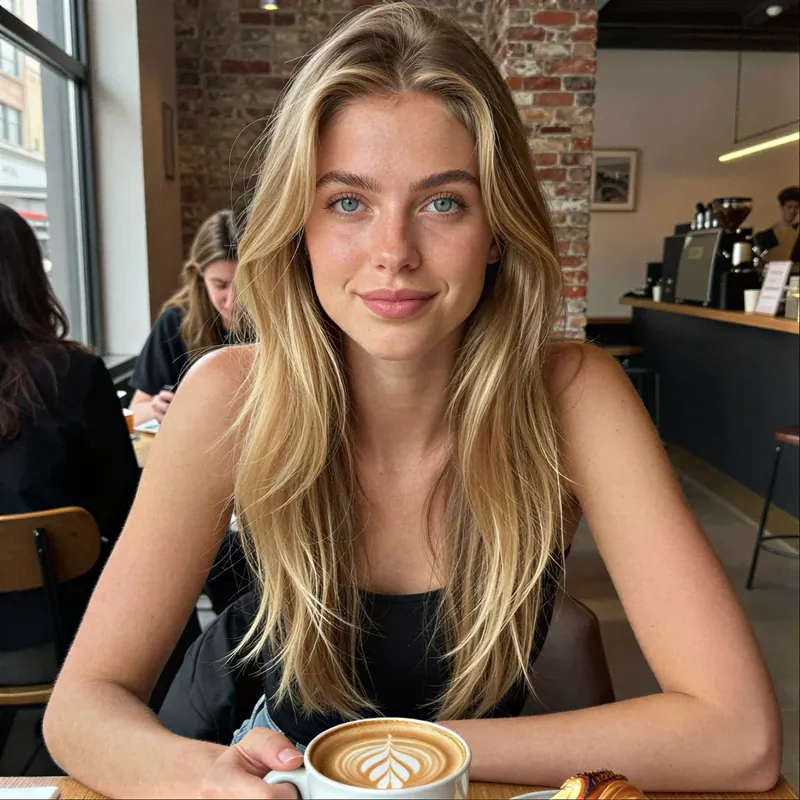
UGC-style clips of a fictional character, with Avatar Video on Pro.
How to choose the right tool
Most people do not need every tool. A good first week usually uses two or three of them in a fixed order, and the order matters more than the tool names suggest.
Start with the face, then everything else
Every other result depends on the character. If you already have one, skip ahead. If you do not, begin in the identity group: describe a character from scratch, or add a few clear reference photos of yourself and generate a character that resembles them. Spend your first credits on a face you would be happy to see fifty times, because changing it later means starting the series again.
Build a library of stills before you make video
Looks, backgrounds and poses are cheaper to test than video. Generate a handful in Fast, keep the favourites and render only those in HD or 4K. A clip is only as good as the image it starts from, so a strong still saves credits later.
Pick video by where it will be seen
A talking photo suits a greeting, an explainer or a character introduction, and needs an audio track you bring yourself. A vertical clip suits TikTok and Reels. A UGC-style video suits product-style content with a fictional presenter. All of them start from an image of your character.
Know the limits before you plan around them
These tools generate new images. They do not cut out a background, edit a garment on a photo you upload, retouch your own face, clone your voice or post for you. Consistency is strong but not a mathematical guarantee, so check each result and regenerate when the face drifts. Every try is a new generation and uses credits, so treat the first batch as a test.
See one character move
A short real clip made in RYLA. Press play to watch it; nothing loads until you do.
Ways creators and brands use RYLA
The tools above are the building blocks. These are the jobs people put them to.
UGC Ad Creative
Spin up dozens of authentic-looking ad variations without booking a single creator.
Fashion & Lookbooks
Showcase entire collections on a consistent model, new drops, zero shoots.
Fitness & Wellness
Daily workout reels and transformation content from one always-on creator.
Travel & Lifestyle
Place your creator anywhere in the world without leaving your desk.
Product Marketing
Put your product in a creator's hands across a hundred lifestyle scenarios.
Faceless Channels
Run a fully branded creator presence without ever showing your own face.
Made for your next step
What do you want to create?
Choose the workflow that fits your goal. Start with one creator, then build the content around them.