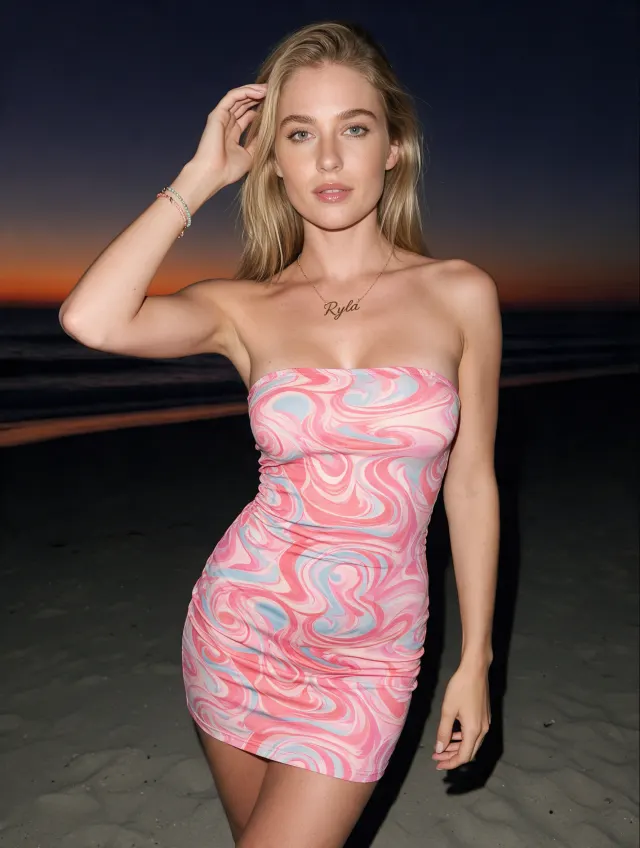
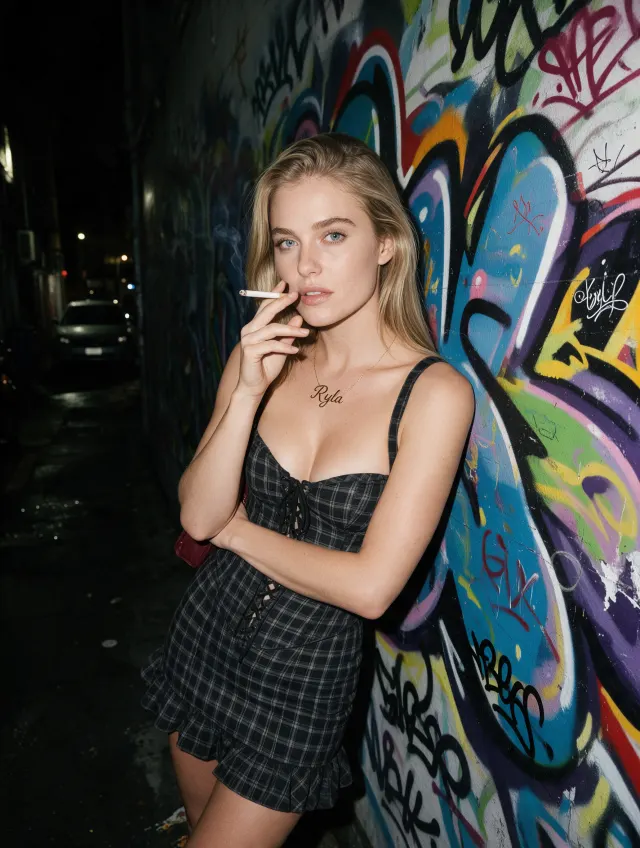
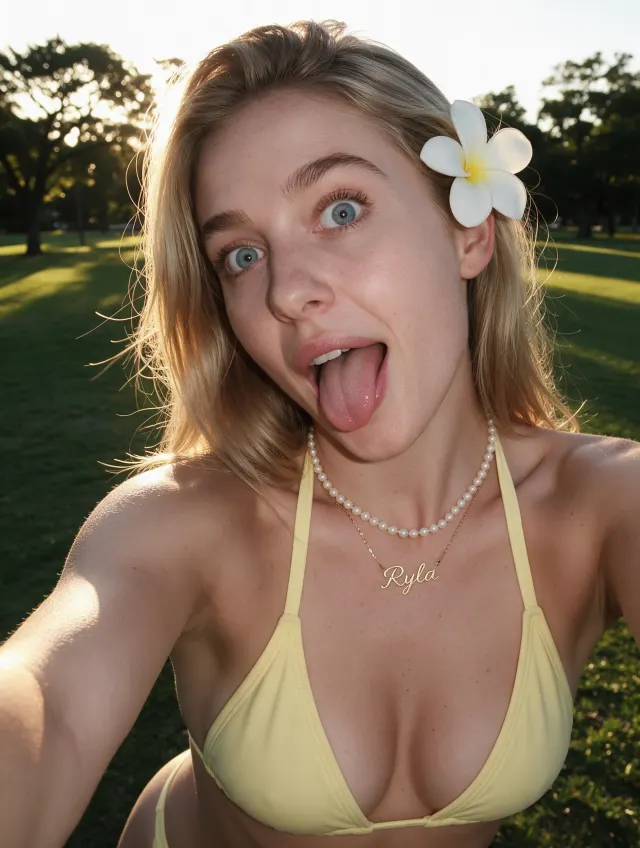
Bring RYLA into your agent

Generate images, videos, voice, and full character sheets directly from Claude, Cursor, or any MCP-compatible agent.

Claude DesktopCursorAny MCP client
Getting Started

3 Steps to Get Started

Connect RYLA to your agent in minutes

https://mcp.ryla.ai/mcp

Paste this once, add your key from Settings, and you're connected.

Copy the server URL

The box above. That's the whole address, nothing to assemble.

Paste it into your agent

Claude: Settings, Connectors, Add custom connector. Cursor: MCP settings.

Grab a key and go

Generate a key from Settings, drop it in, and ask your agent to create something.

Setup guide

Connect once, generate from anywhere

Real config, for your actual client. Copy the block, drop in your key, done.

~/Library/Application Support/Claude/claude_desktop_config.json
{
  "mcpServers": {
    "ryla": {
      "url": "https://mcp.ryla.ai/mcp",
      "headers": {
        "Authorization": "Bearer YOUR_RYLA_KEY"
      }
    }
  }
}
.cursor/mcp.json
{
  "mcpServers": {
    "ryla": {
      "url": "https://mcp.ryla.ai/mcp",
      "headers": {
        "Authorization": "Bearer YOUR_RYLA_KEY"
      }
    }
  }
}
Server details
URL:     https://mcp.ryla.ai/mcp
Auth:    Bearer token (your RYLA MCP key)
Header:  Authorization: Bearer YOUR_RYLA_KEY
See It In Action

How It Actually Works

Real requests, real results. This is what a generation looks like from inside your agent.

Generate an image

Ask for a scene, pose, or outfit in plain language. RYLA generates it and drops the image straight into your chat.

Generate a courtside portrait of my influencer in her team jersey
RYLA

Generating a courtside portrait in her team jersey.

generate_base_image
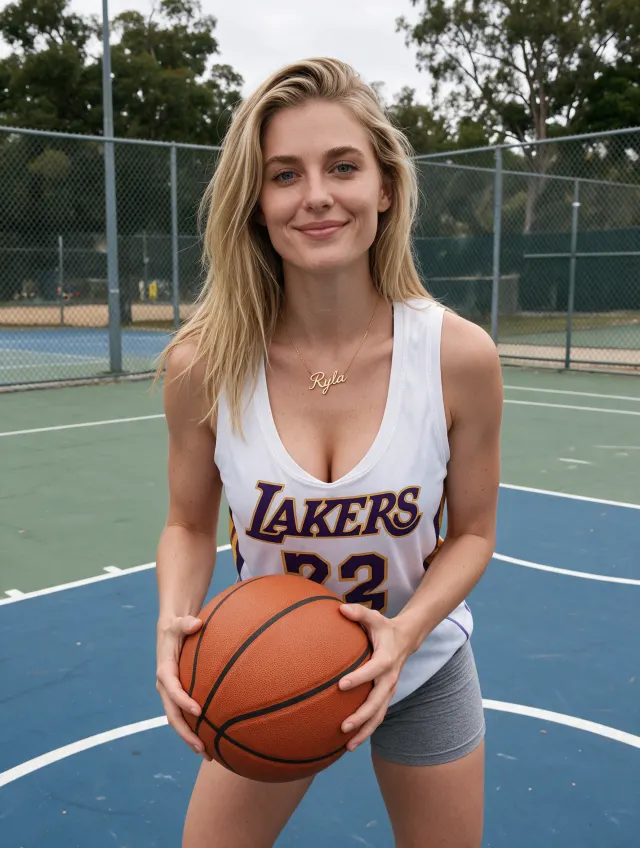
A real RYLA-generated courtside portrait, example result from the image generation toolReal generation, example result

Generate a video

Turn a prompt into a short Studio video clip of an existing character, right inside the chat.

Make a short video of my influencer walking through a neon-lit street
RYLA

Generating a short clip on the neon-lit street.

generate_video
Real video output, example result

Build a character sheet

Get a full, multi-angle reference sheet of an existing character in one request.

Give me a full character sheet, a few different looks
RYLA

Building a full character sheet, four looks in one request.

generate_character_sheet
A real RYLA-generated character sheet, example result from the character sheet toolA real RYLA-generated character sheet, example result from the character sheet toolA real RYLA-generated character sheet, example result from the character sheet toolA real RYLA-generated character sheet, example result from the character sheet tool
Real generation, example result

Swap a face into a reference

Give RYLA a reference image and it places your character's face into it, keeping the pose, lighting, and background intact.

Swap my influencer's face into this reference photo
RYLA

Swapping her face into your reference photo.

generate_face_swap
A real RYLA-generated image with the character's face swapped into a reference scene, example result from the face swap toolReal generation, example result

Turn a photo into a talking avatar

Send a single reference image and an audio track, and get a talking avatar clip of your character back.

Turn this photo into a talking avatar reading this script
RYLA

Turning your reference photo into a talking avatar.

generate_avatar_video
Real avatar video, example result

Swap a character into an existing video

Replace a person in a video you already have with your character, frame by frame.

Swap my influencer into this video
RYLA

Swapping her into your video, frame by frame.

generate_video_swap
Real video output, example result
Coming soon

Lip-sync a portrait to audio

Sync a voice track to a portrait so the mouth movement matches the audio. On the roadmap, shown honestly rather than as if it already works.

Sync this voice track to my influencer's portrait
RYLA

Syncing your audio track to the portrait.

generate_lip_sync
Real clip from the RYLA app today. Not yet callable via MCP.
Available Tools

What You Can Do

The full RYLA generation toolkit, available directly to your agent

Generate Base Images

Create stunning AI-generated images in any style, pose, or setting.

Face Swap

Replace faces in images with your character or any reference photo.

Character Sheet Generation

Automatically generate complete character sheets with consistent styling.

Studio Image Generation

Full creative control over scene, outfit, pose, lighting, and expression for an existing character.

Generate Video

Turn a text prompt into a Studio video clip for an existing character.

Generate Voice

Generate speech audio in an existing character's own voice from a script.

Avatar Video

Turn a character photo and an audio track into a talking avatar clip.

Video Swap

Swap your character's face onto an existing video, frame by frame.

Lip Sync

Coming soon

Sync a portrait image to an audio track for a talking video.

List Characters

List your existing characters to find the right one for other tools.

Check Credits Balance

View your available credits for generation requests.

Check Generation Status

Monitor the status of your ongoing generation jobs.

View Your Gallery

Browse and manage all your generated images and content.

Before you connect

Questions people actually ask

Does this use my regular credits?

Yes, one balance. Anything your agent generates spends from the same credits you'd use in the dashboard.

Do results show up in my normal gallery?

Yes. Everything an agent generates lands in your RYLA gallery exactly like a dashboard generation would.

Is an API key the same as my login?

No. A key only allows generation and read access through MCP; it can't change your password or billing, and you can revoke it any time.

What happens if I revoke a key mid-generation?

Anything already running finishes. The key just won't be accepted for anything new after that.